Step by Step Tutorial
This AutoRun Wizard Tutorial will help you through the steps of creating a professional cd-rom autorun that will be automatically executed to perform action you specify when a USB stick or CD/DVD is inserted into the computer.
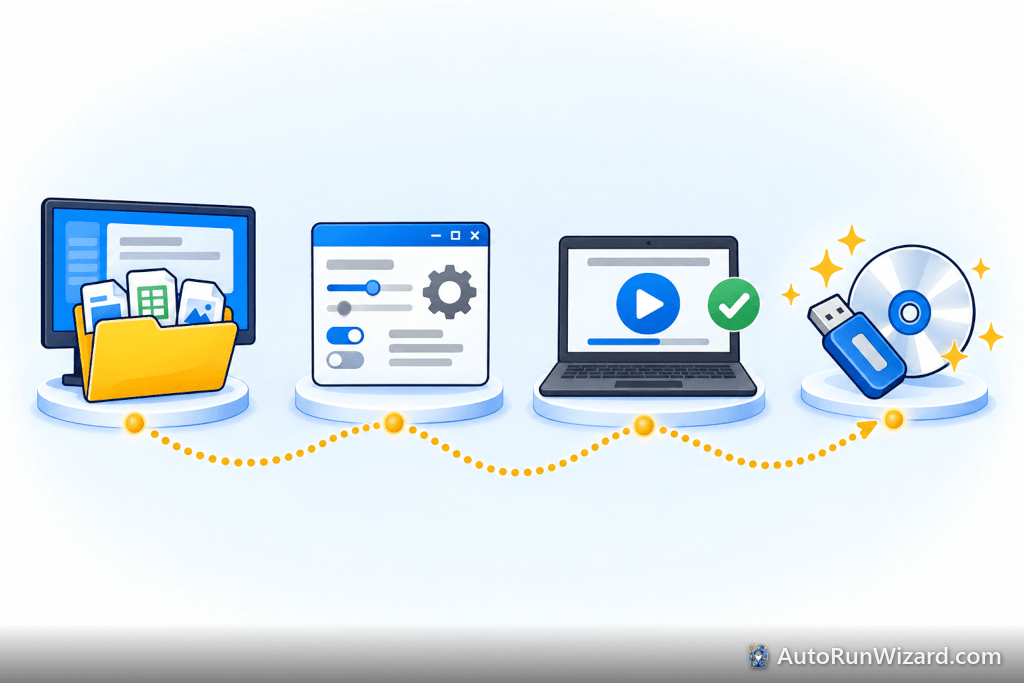
Tutorial Steps
- Step 1: Creating a Base Folder
- Step 2: New AutoRun Wizard project
- Step 3: Copy Project Files
- Step 4: Determine Auto Launch
- Step 5: Selecting the icon
- Step 6: Select Splash Screen
- Step 7: Autorun Sound
- Step 8: Autorun EULA
- Step 9: CD Drive Label
- Step 10: Testing the CD
- Step 11: Burning the CD
Using this tutorial will help assist you in creating your first AutoRun Wizard configuration.
See it work on your own USB drive
Download AutoRun Wizard free, point it at your files and test the autorun before you copy or burn it.